 FInvoice Maker
Templates that keep your data
Eight original layouts. Switch any time; every field and total stays exactly the same.
Native apps for iPhone and Android
FInvoice Maker turns a few words into a professional invoice you can customize, export as a PDF and email from your own mail app. No accounting platform to learn.
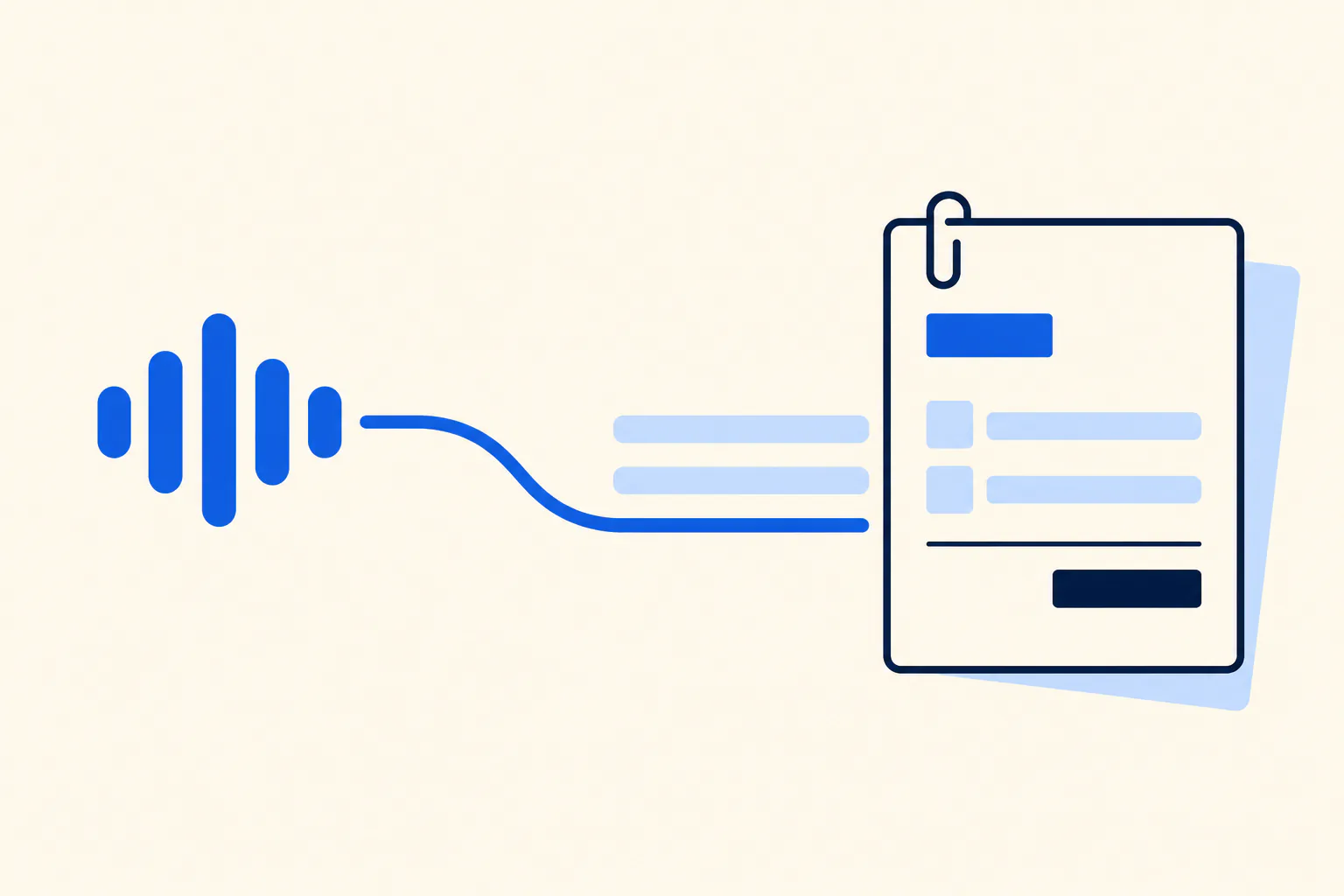
How it works
Every step is reviewable. The app never issues, numbers or sends anything without you.
“Three hours of design at 75 and 20 for materials, due in two weeks.” Say it or type it, in your own words.
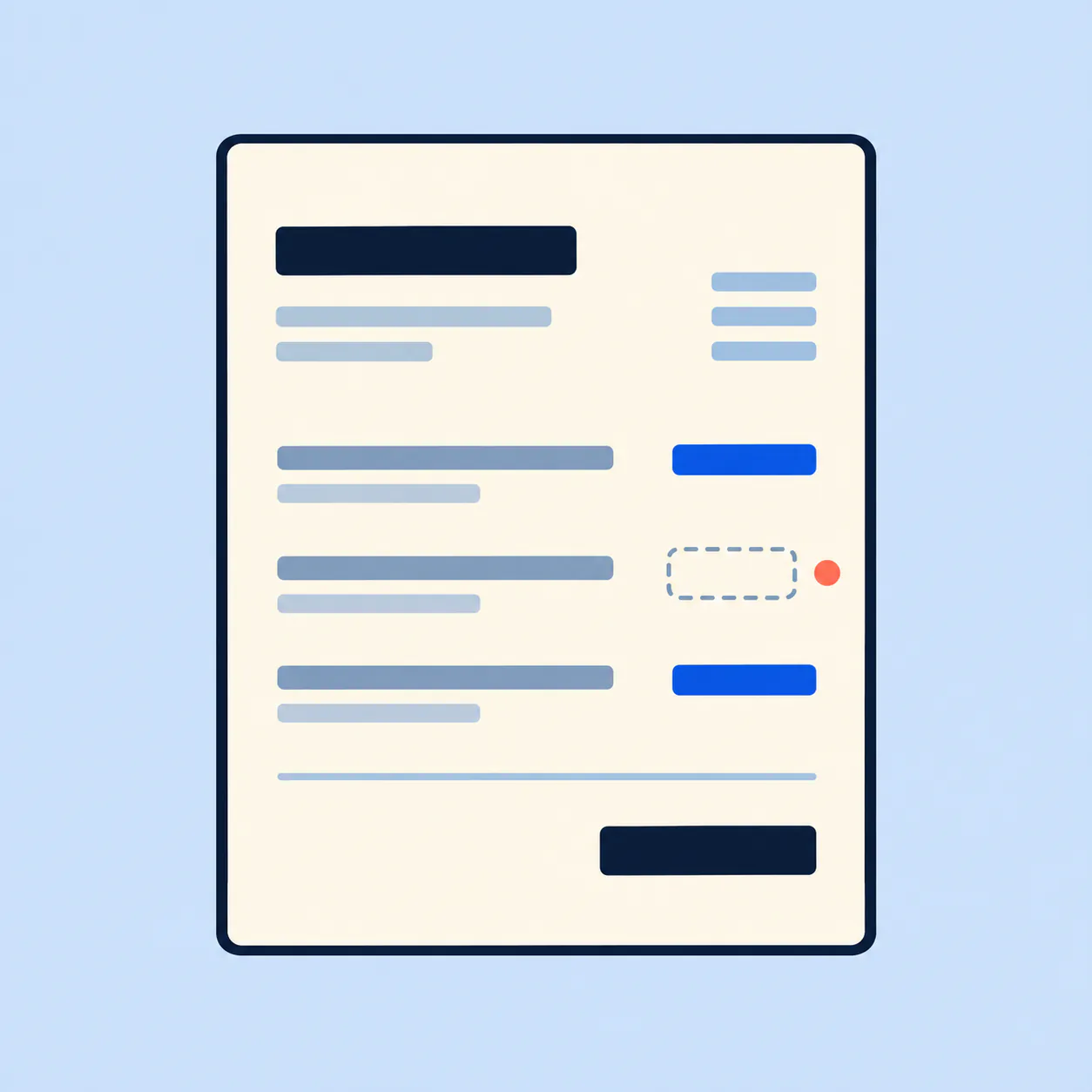
AI extracts only what you said. Anything missing stays visibly missing for you to fill in. Nothing is issued until you approve it.
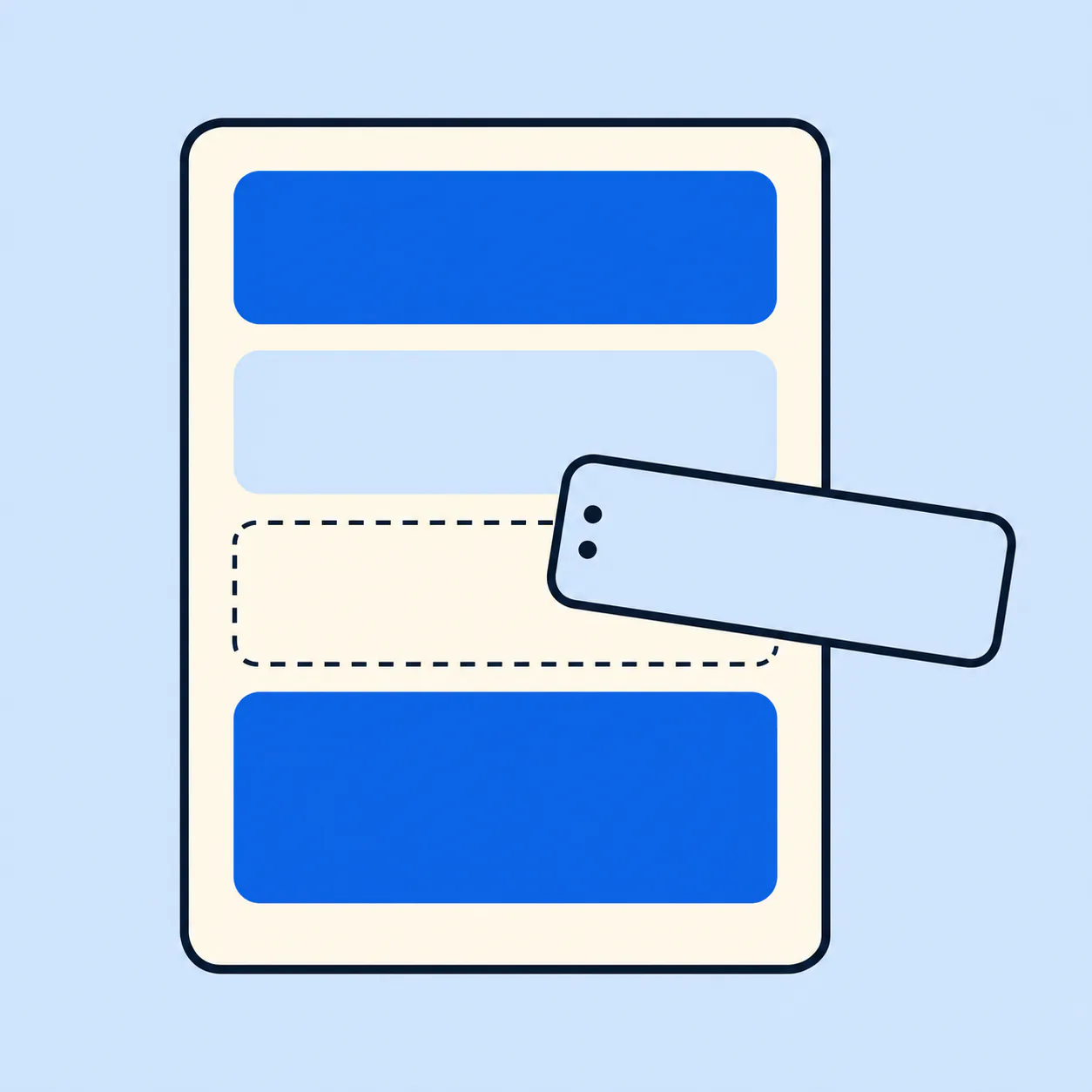
Pick one of eight layouts, then reorder, show or hide blocks with native drag and drop, or with Move up and Move down buttons.
Get a crisp PDF and a short email draft, then open your own mail app with the PDF attached. You press send.
Features
Eight original layouts. Switch any time; every field and total stays exactly the same.
Describe the work naturally. Your recording is uploaded only when you tap Generate.
Real SwiftUI and Jetpack Compose editors with undo, redo and accessible move controls.
Server-rendered A4 or US Letter with exact integer money math. Finalized invoices never change.
A polite subject and body built from invoice facts only, opened in the mail app you already use.
Save your business profile, customers and services. They fill empty fields and never rewrite old invoices.
Templates, drafts, clients and your catalog live on your device. AI and PDF export need a connection.
ISO 4217 handling with the right decimals, from USD cents to zero-decimal VND.
PDFs and logos are stored privately and only ever served to your account. Analytics never see invoice contents.
Templates
Switch templates whenever you like. Every field and total stays the same; only the design changes.
Built with guardrails
No made-up prices, dates, tax rates or contacts. Missing details are flagged, and totals are computed by the app, not the model.
Amounts are integer minor units with explicit rounding rules, so what you see in the editor is what the PDF says.
The app drafts; your mail app sends. We cannot send, and we never claim to know whether an email was delivered.
An issued PDF and its invoice number are immutable. Changes create a new revision instead of rewriting history.
FAQ
No. FInvoice Maker creates ordinary commercial invoice documents and makes no compliance claims for any jurisdiction.
No. It opens your own mail app with the PDF attached and an editable draft. You decide whether to send.
Yes. Templates and manual invoicing work as a guest. AI drafts, server PDFs and sync need a free account.
Free to download on iPhone and Android. Create your first invoice in under two minutes.
FInvoice Maker produces ordinary commercial invoice documents. It is not accounting software, a payment processor or a certified e-invoicing service, and it does not guarantee compliance with any tax authority’s requirements.